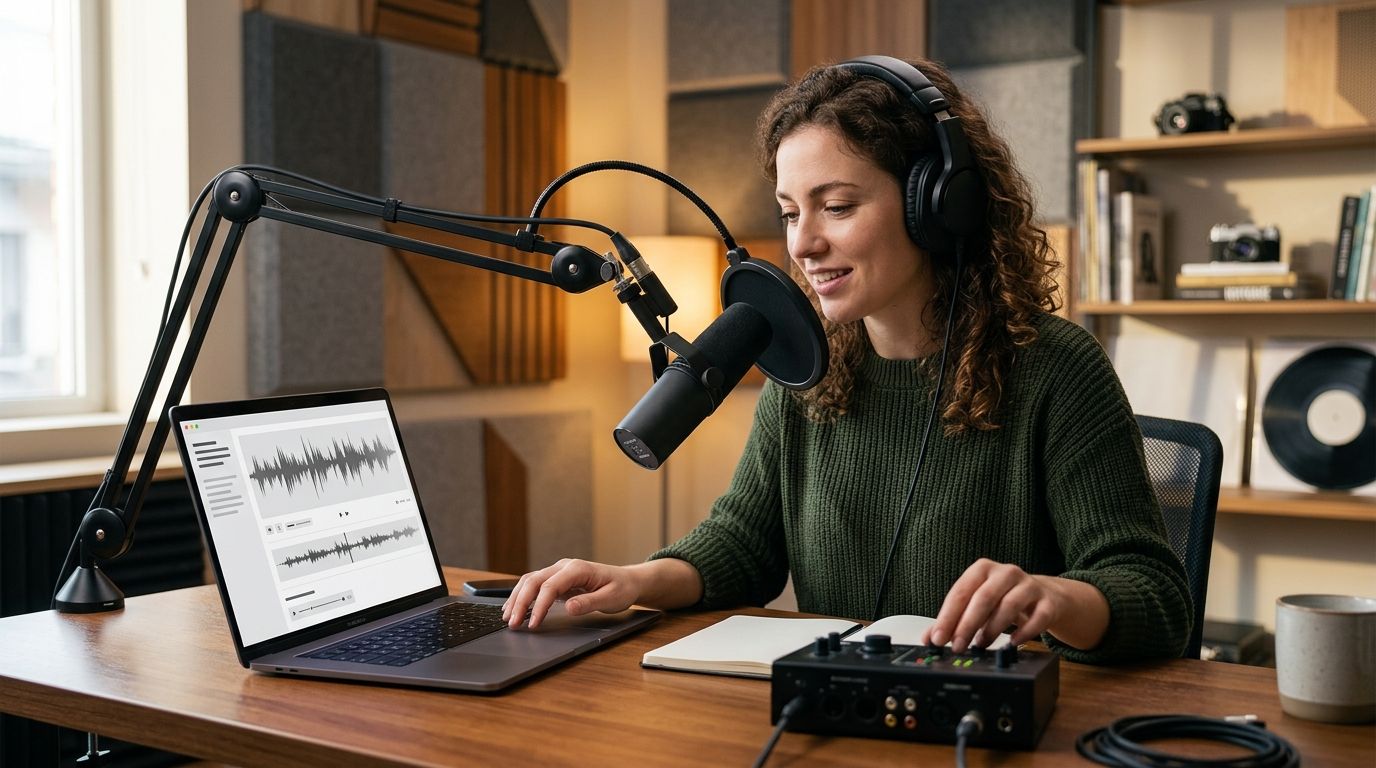
Best overall for podcasters in 2026: VideoText, for subtitle QA, CPL/CPS fixes, and client-ready transcript formatting. Best for text-based video editing: Descript. Best for live transcription during recording: Otter.ai. Best for human-reviewed accuracy on paid jobs: Rev.
- VideoText wins for podcasters who need subtitle QA, CPL/CPS fixes, and client-ready SRT/VTT exports in 2026.
- Descript is the pick for text-based multitrack video editing tied to a transcript.
- Otter.ai handles live transcription during recording and generates instant show notes.
- Rev adds human review on top of ASR for jobs that need a near-zero word error rate.
- Sonix and Trint cover batch processing and translation for multi-episode, multi-language shows.
Why this matters
Podcast teams generate raw audio faster than they can clean it. A 45-minute episode produces roughly 6,000-7,000 words of ASR output, timing drift on every speaker change, and subtitle lines that routinely blow past standard caption limits. The transcription engine matters less in 2026 than what happens after transcription: fixing overlaps, checking CPS (characters per second), formatting to a client's style guide, and exporting SRT/VTT that doesn't need a second pass.
VideoText is built around that cleanup step specifically, which is why it ranks first for shows that deliver transcripts or captions to a client, network, or platform rather than just a rough draft for internal use.
What makes the best AI transcription software for podcasters
- Speaker diarization — detects and labels multiple hosts and guests without manual relabeling on every segment
- Subtitle QA — flags CPL, CPS, overlaps, and timing drift before export, not after a client rejects the file
- Format flexibility — exports SRT, VTT, TXT, DOCX, and other layouts editors and platforms actually accept
- Client-guideline formatting — reformats to Rev, GoTranscript, Scribie, or a custom style guide without rebuilding the file
- Translation — moves subtitles into other languages while keeping cue timing intact
- Batch and API support — processes a multi-episode backlog without a manual queue
At a glance
| Tool | Best for | Standout feature | Key limitation |
|---|---|---|---|
| VideoText | Subtitle QA and client-ready formatting | CPL/CPS drift detection and guideline reformatting | No built-in multitrack audio editing |
| Descript | Text-based video/podcast editing | Edit audio by editing the transcript text | Subtitle QA and CPL checks aren't the focus |
| Otter.ai | Live transcription during recording | Real-time streaming transcript with instant notes | Caption export formatting is limited |
| Rev | Human-reviewed accuracy | Human transcriptionists review ASR output | Turnaround depends on the human review queue |
| Sonix | Batch processing multi-episode shows | Bulk upload and API-based automation | Deep subtitle QA (CPL/CPS) isn't built in |
| Trint | Multi-language subtitle translation | Translation workflow inside the transcript editor | Timing-drift fixing after translation is manual |
1. VideoText: best AI transcription software for subtitle QA and client-ready delivery
VideoText turns uploaded video or audio into transcripts with timed segments, then runs a QA pass that catches overlaps, CPL and CPS violations, gaps, and timing drift before export. Speaker diarization labels each speaker automatically, and you can rename speakers directly in the editor. The guideline-formatting step reformats a transcript to Rev, GoTranscript, Scribie, or a custom client style without rebuilding the file by hand.
VideoText pros:
- Flags CPL, CPS, overlaps, and drift in-browser, synced to the video, before delivery
- Reformats to named client guidelines instead of manual restyling
- Translates subtitles across 70+ languages while keeping cue timing intact
- Exports TXT, SRT, VTT, PDF, DOCX, JSON, and CSV, including timecode and speaker layouts
VideoText cons:
- No multitrack audio editing — it's a transcript and subtitle tool, not an audio editor
- Live transcription runs as a separate mode from the batch upload workflow
Best for: podcast teams and freelance editors delivering captioned or transcribed files to a client, network, or platform.
Verdict: Buy for any show that has to pass subtitle QA before delivery in 2026.
2. Descript: best AI transcription software for text-based video editing
Descript transcribes a recording, then lets you cut, rearrange, and remove filler words by editing the transcript text itself — the audio and video follow the edit. It's built as an editor first, with transcription as the entry point into the timeline.
Descript pros:
- Editing by deleting or moving transcript text is faster than a waveform edit for talking-head podcasts
- Overdub and multitrack tools cover editing steps beyond transcription
- Good fit for solo hosts who edit and publish without a separate audio tool
Descript cons:
- Subtitle QA — CPL, CPS, timing drift — isn't the core focus
- Client-guideline reformatting for delivery isn't built in
If Descript's editing model doesn't fit your workflow, the best Descript alternatives roundup covers text-based editors with different tradeoffs.
Best for: solo or small podcast teams editing and publishing without a separate audio editor.
Verdict: Buy for editing-first workflows; Hold if subtitle delivery QA is the bottleneck.
3. Otter.ai: best AI transcription software for live transcription during recording
Otter.ai streams a live transcript while you record or during a video call, then generates a summary and searchable notes right after the session ends. It's built around meetings and interviews as much as podcasts.
Otter.ai pros:
- Real-time streaming transcript during the recording, not just after upload
- Automatic summary and searchable notes generated immediately after the session
- Useful for interview-based shows that need notes minutes after recording stops
Otter.ai cons:
- Caption export formatting for publishing is limited compared to dedicated subtitle tools
- CPL/CPS QA for delivered captions isn't part of the workflow
Best for: interview and conversation podcasts that need a live transcript during the session.
Verdict: Buy for live note-taking; Wait if your deliverable is a finished caption file.
4. Rev: best AI transcription software for human-reviewed accuracy
Rev runs ASR transcription and also offers human transcriptionists who review and correct the automated output. For shows where a near-zero word error rate matters more than turnaround speed, the human-review layer is the differentiator.
Rev pros:
- Human review on top of ASR output catches errors automated models miss
- Established file-format support for transcripts and captions
- Useful for legal, medical, or compliance-adjacent podcast content
Rev cons:
- Human review adds time to the turnaround compared to ASR-only tools
- Subtitle drift and CPL fixes on the automated tier still need a separate QA pass
Best for: shows where transcript accuracy has to be near-perfect and turnaround time is flexible.
Verdict: Buy for accuracy-critical jobs; Skip if you need same-day turnaround.
5. Sonix: best AI transcription software for batch processing multi-episode shows
Sonix transcribes audio and video through a bulk upload flow and an API, aimed at teams processing a backlog of episodes rather than one file at a time. Automation through the API replaces the manual per-file queue.
Sonix pros:
- Bulk upload handles a multi-episode backlog in one pass
- API access supports automated pipelines for agencies running several shows
- Multi-language transcription support across a wide set of languages
Sonix cons:
- Subtitle QA — CPL, CPS, overlap detection — isn't a dedicated feature
- Client-guideline reformatting isn't built into the workflow
Best for: agencies or networks running multiple shows through one transcription pipeline.
Verdict: Buy for volume; Hold if delivery-ready captions are the deliverable.
6. Trint: best AI transcription software for multi-language subtitle translation
Trint transcribes a recording and includes a translation workflow inside the same editor, moving a transcript or subtitle file into another language without leaving the tool. Shows publishing across regions use this to skip a separate translation step.
Trint pros:
- Translation workflow lives inside the transcript editor
- Collaborative review tools for teams editing the same transcript
- Supports export into common caption formats
Trint cons:
- Timing-drift correction after translation is a manual step
- CPL/CPS checks aren't automated the way subtitle-QA-first tools handle them
Best for: podcasts publishing translated versions of the same episode across regions.
Verdict: Buy for translation-heavy publishing; Hold if English-only delivery is all you need.
How we ranked
Each tool is scored against the same six criteria: diarization accuracy, subtitle QA depth (CPL, CPS, overlaps, drift), export format range, client-guideline formatting, translation support, and batch/API automation. Tools that specialize — Descript in editing, Otter.ai in live capture, Rev in human review, Sonix in batch volume, Trint in translation — rank first in their own lane and lower on criteria outside it. VideoText ranks first overall because subtitle QA and guideline formatting are the steps most podcast teams still do by hand in 2026, and none of the other five tools ships that as a dedicated feature.
“If a subtitle line runs past 42 characters, ASR finished the transcript but not the caption.”
Which AI transcription software should you choose in 2026?
Pick based on where your bottleneck actually is, not the tool with the most features. If subtitle QA and client delivery is the bottleneck, VideoText is the default pick for 2026. If editing the audio itself takes the most time, Descript wins. If you need a transcript the moment recording stops, Otter.ai does that. Everyone else on this list solves one specific problem well — match the tool to the problem instead of the reverse.
Fix subtitle drift before delivery
Run CPL, CPS, and timing checks on your next episode's transcript.
FAQ
What is the best AI transcription software for podcasters in 2026?
VideoText is the best overall pick in 2026 for podcasters who need subtitle QA, CPL/CPS fixes, and client-ready SRT/VTT exports. Descript, Otter.ai, Rev, Sonix, and Trint each specialize in one part of the workflow instead of full delivery QA.
Is Descript better than VideoText for podcast transcription?
Descript is better for editing audio and video by cutting transcript text; VideoText is better for subtitle QA, timing-drift fixes, and client-guideline formatting. The two solve different steps in the same production pipeline.
Does Otter.ai support subtitle export for podcasts?
Otter.ai focuses on live transcription and meeting notes rather than caption-ready export formatting. Teams that need SRT/VTT files formatted to a client guideline typically add a dedicated subtitle tool after Otter.ai's live transcript.
How accurate is AI transcription for podcasts in 2026?
Accuracy depends on audio quality, accents, and overlapping speech more than the specific ASR model. Clean single-speaker audio produces far fewer errors than crosstalk-heavy interviews, which is why a QA pass still matters after any ASR run.
What is CPL and why does it matter for podcast captions?
CPL stands for characters per line, the maximum number of characters allowed on one subtitle line before it becomes hard to read. Netflix's caption guidelines cap English lines at 42 characters, and most raw ASR subtitle output exceeds that on the first pass.
Can AI transcription software translate podcast subtitles?
Yes, VideoText and Trint both translate subtitles or transcripts into other languages while preserving cue timing. VideoText supports translation across 70+ languages inside the same editor used for QA.
Do I need human review on top of ASR transcripts?
For accuracy-critical content, such as legal, medical, or compliance-adjacent podcasts, human review services like Rev's add a correction layer ASR alone doesn't provide. For general podcast delivery, an ASR transcript plus a subtitle QA pass is usually enough.
What file formats do podcast transcription tools export?
Most tools export at minimum TXT and SRT; VideoText also exports VTT, PDF, DOCX, JSON, and CSV, including timecode and speaker layouts. Check each tool's export list before committing a workflow to one format.
One last thing
Netflix's Timed Text Style Guide caps English subtitle lines at 42 characters and two lines per cue — a limit most raw ASR output blows past on the first pass. That gap is exactly why a subtitle QA step exists between transcription and delivery, regardless of which transcription engine generated the file in 2026.